.png)
Create a HelloSMS Account
Creating a HelloSMS account is the first step to exploring the platform. During signup, you provide basic account information and complete a verification process to secure your account.
To create your HelloSMS account, follow these steps:
- Go to the HelloSMS homepage.
-
Click Create Test Account.
A test account lets you explore the platform immediately. Activation is required to access all features and send messages.
- Enter the required information:
- Your name
- Email address
- Company name
- Review the information and check the box to accept the terms and conditions.
-
Select Next.

Verify your phone number
To confirm your identity, HelloSMS requires phone number verification.
- Enter your mobile phone number.
- Select Send code.
- Enter the verification code you receive via SMS.
-
Submit the code to continue.
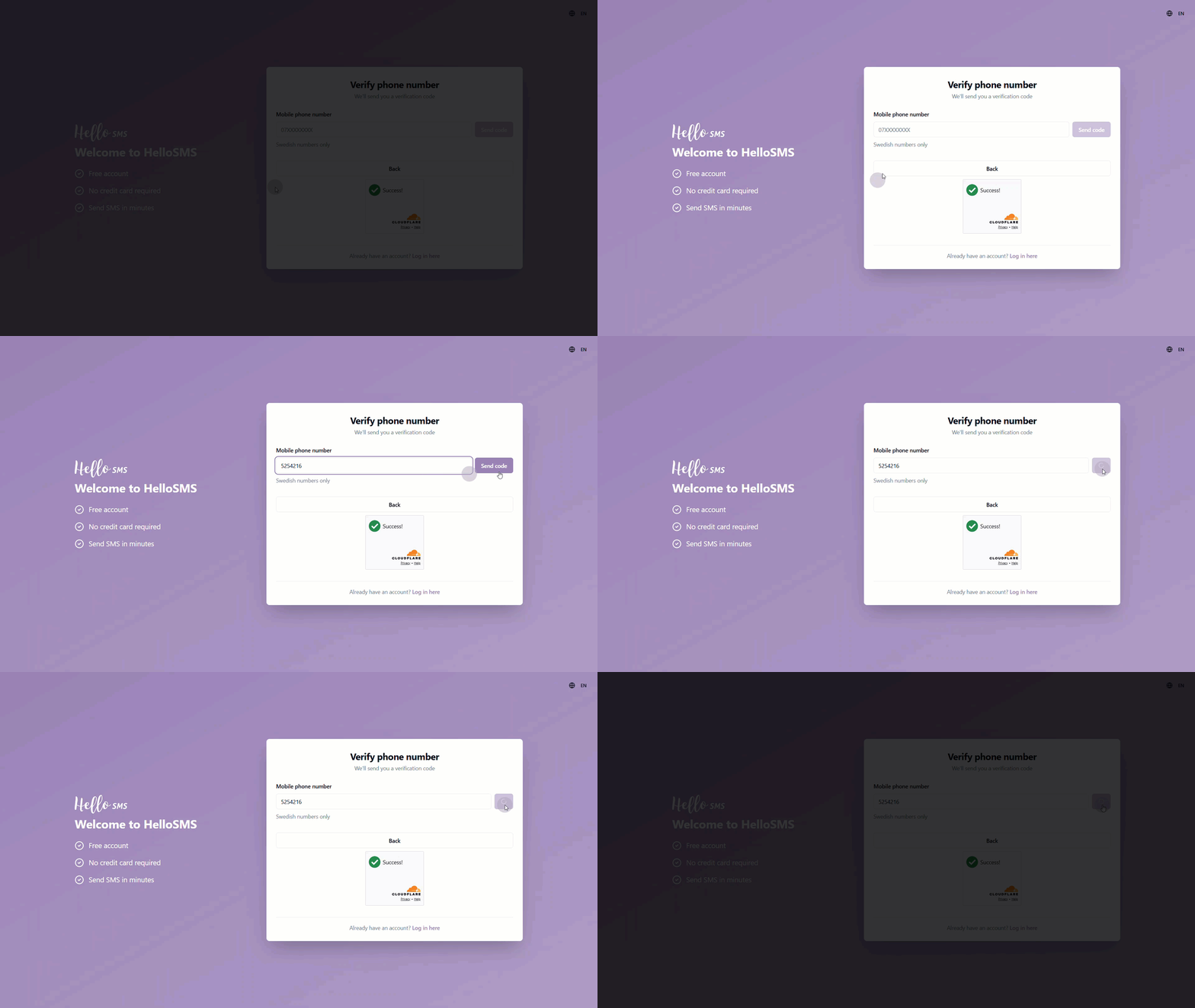
Once verified, your phone number is linked to your account.
Verify your email and set your password
After phone verification, HelloSMS sends a verification email to the address you provided.
- Open the email and click the verification link.
- On the verification page, create your password.
- Passwords must be at least 8 characters long.
- A strength indicator shows whether your password is weak, medium, or strong.
- Submit your password to complete account creation.
After successful verification, your account is created, and you are redirected to the HelloSMS dashboard.
At this point, your account is created but not yet fully activated for sending messages.
To unlock full access and start sending SMS messages, you must choose a plan and complete activation. See Activate a HelloSMS Account for the next steps.
Learn More
See the following articles to learn more: